New to WorldBox? This guide is for players starting their very first world in the pixel god simulator. WorldBox is a sandbox where you spawn fantasy and animal kingdoms, then watch them grow, fight and evolve.
In this guide: Your first world · Also in the video
How do I start my first WorldBox world?
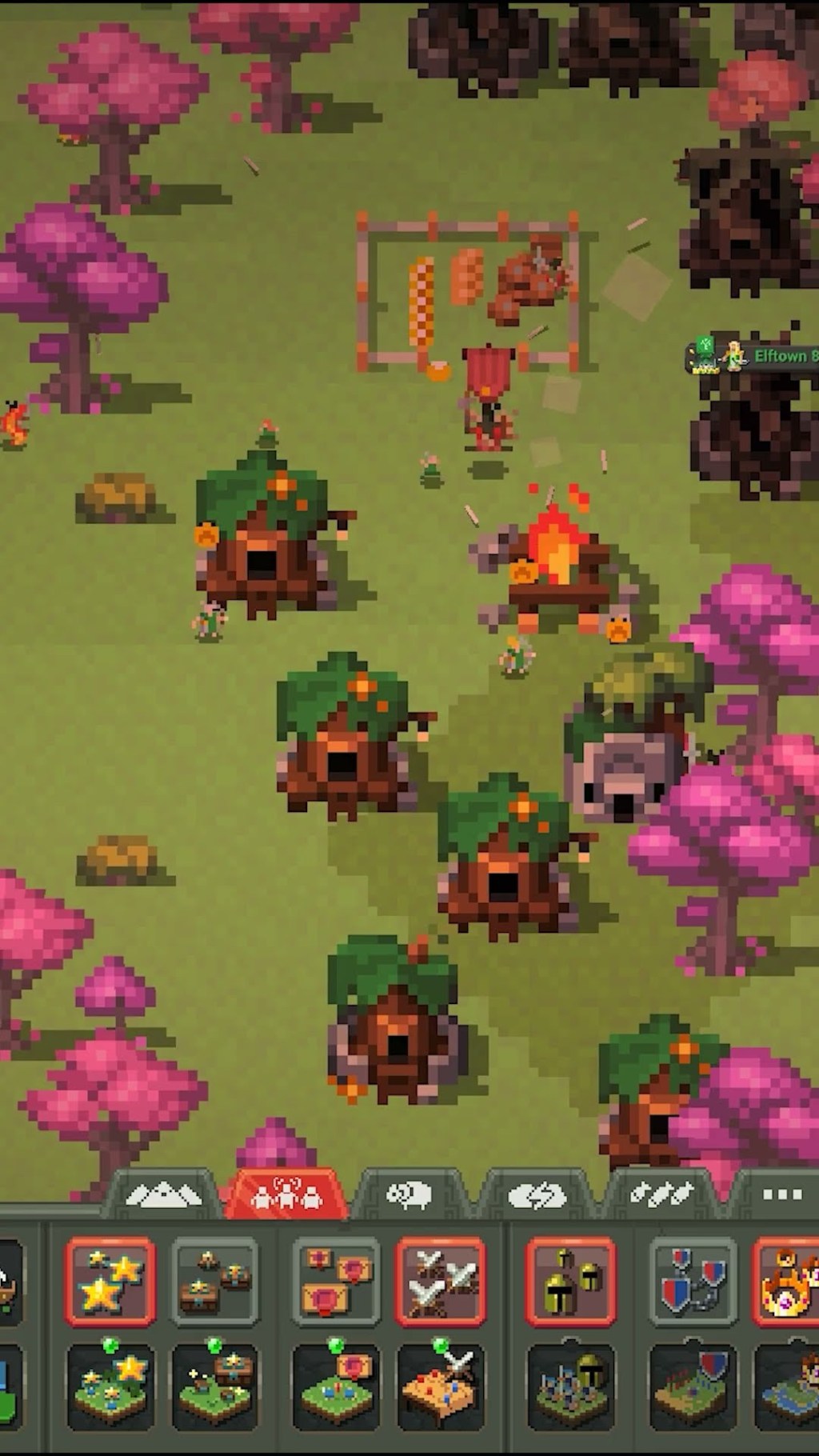
- Start small. Introduce just 2–4 kingdoms until you learn how the game plays. Less is more: with fewer kingdoms it is much easier to see what is happening.
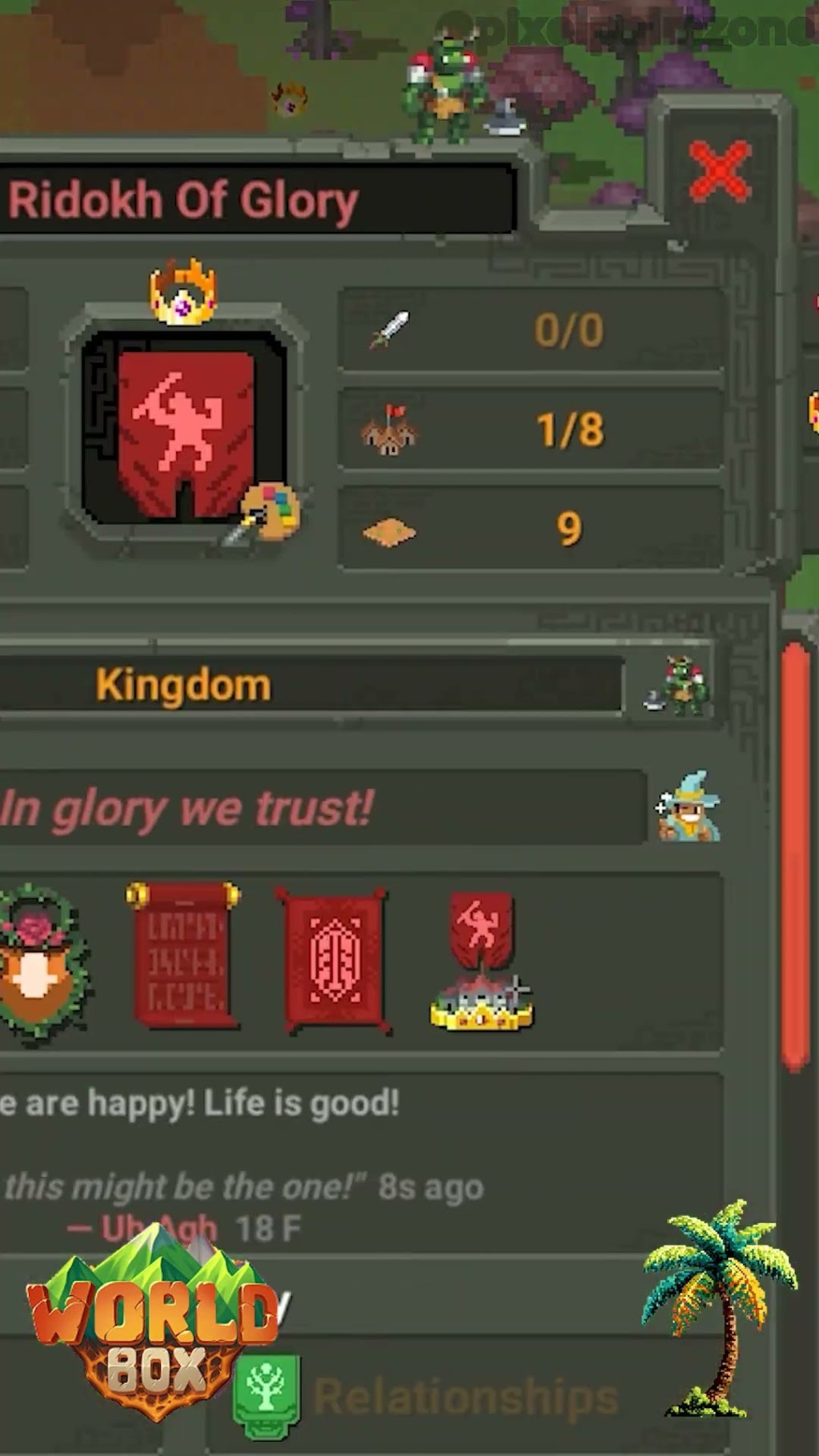
- Name all your kingdoms. Custom names let you keep track of them through the ages, even after wars and rebellions reshape the map. Why naming early matters.
- Favourite your powerful characters. Add the strongest characters to your favourites so you can find them again and follow their story.
What else does the video cover?
- Spawning and unlocking fantasy and animal kingdoms
- The customisable settings, metrics and traits you can tweak
- Choosing a map size, from huge worlds to small, controlled ones
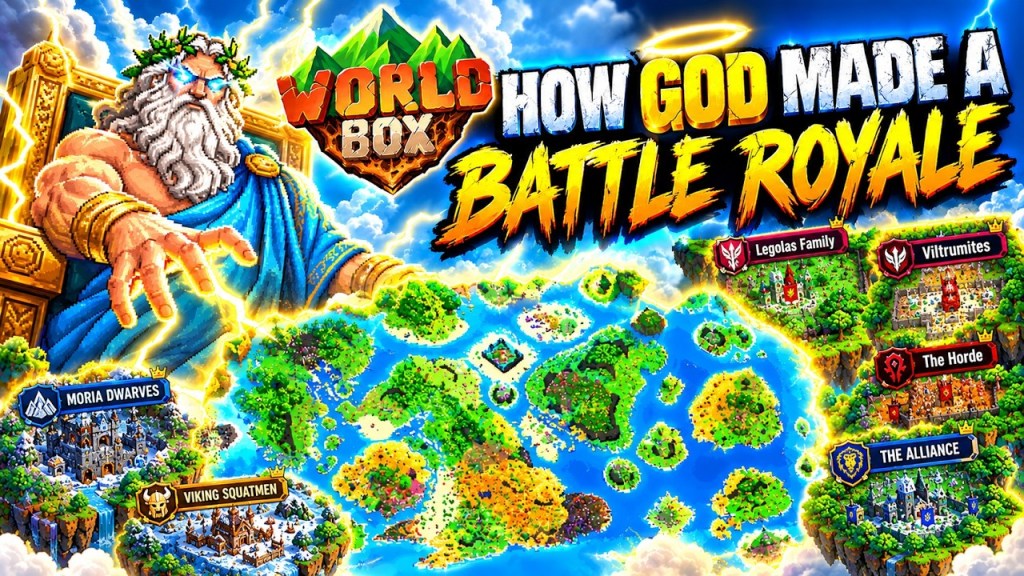
Once you are comfortable, try something bigger, like a WorldBox battle royale map. WorldBox: God Simulator is available on Steam.
Video details
- Game: WorldBox
- Format: Video
- Length: 23 min 40 sec
- Published on YouTube: 20 May 2026